Best Projector for Golf Simulator: 5 Short Throw Picks
A golf simulator projector has an unusual job. It usually hangs from the ceiling above or beside the hitting area,...
 By Brandon Russell
Updated November 24, 2026

A golf simulator projector has an unusual job. It usually hangs from the ceiling above or beside the hitting area, throws a large image onto an impact screen from a short distance, and must stay out of the golfer’s swing path and shadow. That is why most simulator projectors are bright, short throw, 1080p models rather than living room 4K projectors.
We compared golf simulator projectors from established brands using manufacturer specifications and rated each one with the same five weighted criteria. All five picks are short throw laser models rated at 4,000 lumens or more.
Safety note: mount the projector where a mishit ball cannot strike it, use a mount rated for its weight, and have ceiling installation done by a qualified installer. Use an impact screen and enclosure designed for golf, and never look directly into the lens.
Our Top Picks
| Best for | Product | PJC Score About PJC ScorePJC Score (out of 10) is our editorial rating from five weighted criteria, based on manufacturer specifications. See how we score. | |
|---|---|---|---|
| Best overall |
 BenQ AH700ST |
7.2/10 | Check Price |
| Best for shallow bays |
 BenQ AH500ST |
6.5/10 | Check Price |
| Best for golf and gaming |
 Optoma GT2400HDR |
6.5/10 | Check Price |
| Best keystone flexibility |
 ViewSonic LS711HD |
6.4/10 | Check Price |
| Most compact laser |
 Optoma ZH450ST |
6.2/10 | Check Price |
The Picks in Detail
BenQ AH700ST
Why it made the list: The AH700ST is purpose-built for golf, with a 1.2x zoom, 2D keystone, and BenQ’s Auto Screen Fit, which make it easier to fill an impact screen exactly from a ceiling position. It adds eARC for sending audio to a sound system.
Key specs: 4,000 ANSI lumens (BenQ rating); 1080p; laser light source rated for 20,000 hours; 0.69 to 0.83 throw ratio with 1.2x zoom; 2D keystone and Auto Screen Fit; input lag of 16.7 ms at 1080p 120 Hz and 33.4 ms at 1080p 60 Hz (BenQ rating); eARC; 95% Rec.709.
Skip it if: Your bay is very shallow. The BenQ AH500ST’s 0.5 throw ratio needs less room.
Pros
- Zoom and Auto Screen Fit simplify sizing the image to an impact screen.
- High brightness rating with a laser light source.
- eARC for simulator audio.
Cons
- Longer throw ratio than the 0.5 models, so it needs more distance.
- 1080p, not 4K.
- Highest price tier here.
BenQ AH500ST
Why it made the list: The AH500ST’s 0.499 throw ratio produces a large image from close range, which suits garages and spare rooms with limited depth. BenQ gives it a dust-resistant engine and a long laser life rating in ECO mode.
Key specs: 4,000 ANSI lumens (BenQ rating); 1080p; 0.499 throw ratio with a fixed lens; IP5X dustproof engine; Screen Fill; input lag of 16.7 ms at 1080p 120 Hz (BenQ rating); laser rated for 20,000 hours in Normal mode and 38,000 in ECO; 83% Rec.709.
Skip it if: You want zoom to fine-tune image size. The AH700ST has a 1.2x zoom.
Pros
- Very short throw for shallow spaces.
- Dust-resistant engine, useful in garages.
- Long rated laser life in ECO mode.
Cons
- Fixed lens with no zoom.
- Narrower color rating than the AH700ST.
- One BenQ marketing image lists a different throw ratio than the spec sheet; plan with the 0.499 spec.
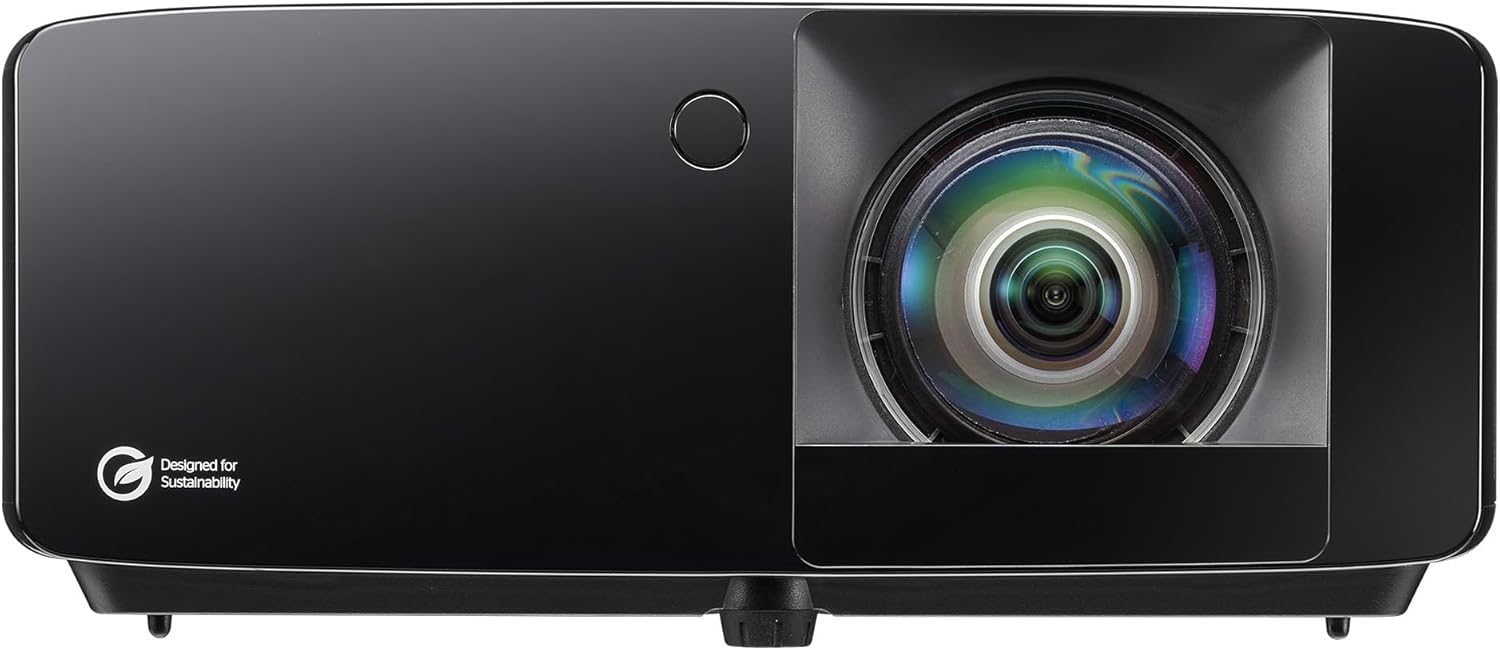
Optoma GT2400HDR
Why it made the list: The GT2400HDR combines a 0.496 throw ratio and a high brightness rating with low published input lag, so a simulator room can double as a gaming room. It accepts 4K input and has two HDMI 2.0 ports.
Key specs: 4,200 lumens (Optoma rating); 1080p; 0.496:1 throw ratio with a fixed lens; input lag of 8.4 ms at 1080p 120 Hz and 16.7 ms at 4K 60 Hz input (Optoma rating); two HDMI 2.0 ports and VGA.
Skip it if: You want automatic screen fitting. The BenQ AH700ST includes it.
Pros
- Low input lag for gaming between rounds.
- Short throw for small rooms.
- High brightness rating.
Cons
- The Optoma datasheet excerpt we found does not name the light source; the retail listing says laser.
- Fixed lens with no zoom.
- Fewer golf-specific setup tools than BenQ’s Ace models.
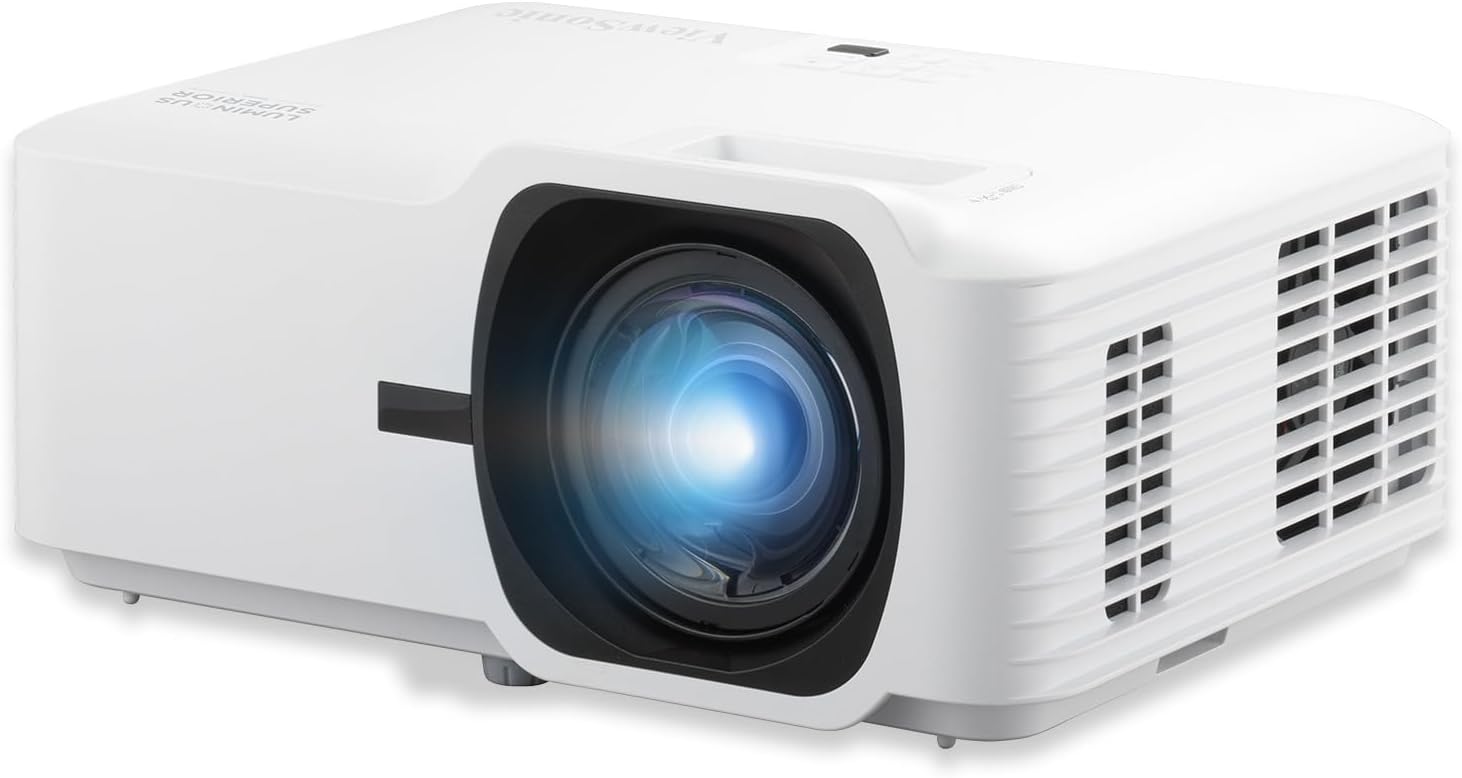
ViewSonic LS711HD
Why it made the list: The LS711HD is an installation laser projector with horizontal and vertical keystone, which helps when it has to sit off-center to stay out of the swing path. ViewSonic says it projects a 100-inch image from about 3.6 feet.
Key specs: 4,200 ANSI lumens (ViewSonic rating); 1920 x 1080; 0.496 throw ratio; laser rated for 20,000 hours in Normal mode and 30,000 in SuperEco; vertical and horizontal keystone of ±15 degrees; 360-degree projection.
Skip it if: You plan to game on it too. The Optoma GT2400HDR publishes low input lag.
Pros
- Horizontal and vertical keystone for off-center mounting.
- High ANSI brightness rating.
- Can be installed at unusual angles.
Cons
- Keystone correction softens the image compared with optical adjustment.
- Business-oriented design with fewer home features.
- No published input lag figure in the materials we found.
Optoma ZH450ST
Why it made the list: The ZH450ST is a small 1080p laser projector with a 0.50 throw ratio that Optoma says can sit within 3 feet of the wall. It supports 360-degree and portrait installation.
Key specs: 4,200 lumens (Optoma brochure); 1080p; laser light source; 0.50 throw ratio; 360-degree and portrait projection; about 10.8 x 4.3 x 8.5 inches.
Skip it if: You want golf-specific setup help. BenQ’s AH series is designed for simulators.
Pros
- Compact body for tight ceiling spaces.
- Short throw with flexible installation angles.
- Laser light source.
Cons
- Optoma’s brochure mixes figures with a sibling model, so confirm brightness on the current spec sheet.
- No zoom or golf-specific modes listed.
- Few gaming or home features.
Golf Simulator Projectors Compared
| Projector | Rated brightness | Throw ratio | Zoom | Laser life (Normal) | Stated input lag |
|---|---|---|---|---|---|
| BenQ AH700ST | 4,000 ANSI lumens | 0.69 to 0.83 | 1.2x | 20,000 hr | 16.7 ms (1080p 120 Hz) |
| BenQ AH500ST | 4,000 ANSI lumens | 0.499 | Fixed | 20,000 hr | 16.7 ms (1080p 120 Hz) |
| Optoma GT2400HDR | 4,200 lumens | 0.496 | Fixed | Not stated | 8.4 ms (1080p 120 Hz) |
| ViewSonic LS711HD | 4,200 ANSI lumens | 0.496 | Not stated | 20,000 hr | Not stated |
| Optoma ZH450ST | 4,200 lumens | 0.50 | Not stated | Not stated | Not stated |
How We Picked
We focused on short throw projectors from established brands with high brightness ratings, laser light sources, and published throw ratios, since those decide whether a projector can fill an impact screen from a safe mounting position. Every pick was assessed from manufacturer documentation, not our own measurements, and rated with the PJC Score.
How to Choose a Golf Simulator Projector
Measure your bay first
Image width, ceiling height, and the distance from the mount to the screen decide which throw ratio works. Use the manufacturer’s throw calculator with your real measurements before buying.
Keep it out of the swing and the ball path
Most simulator setups mount the projector on the ceiling above or behind the hitting area. Short throw lenses help keep the projector forward of the golfer so it does not cast shadows.
Brightness for garages and lit rooms
Simulator rooms often have some light for the launch monitor and safety. A rating of around 4,000 ANSI lumens helps the image hold up.
Resolution and aspect ratio
Most simulator software runs well at 1080p. Some impact screens use a 4:3 shape, so check that the projector can fill your screen without wasting much of the image.
Launch monitor compatibility
Launch monitors such as SkyTrak, Garmin Approach R10, and OptiShot connect to a PC, tablet, or console that sends video to the projector. Any projector with a standard HDMI input works; check your simulator software’s resolution and refresh recommendations.
FAQ
Do I need a 4K projector for a golf simulator?
No. Most simulator setups use 1080p projectors, and brightness and throw ratio usually matter more than resolution.
Can I use a regular home theater projector?
You can if it fits your room, but long-throw projectors often have to sit behind the golfer, which risks shadows and ball strikes. Short throw models avoid that.
What screen should I use?
Use an impact screen designed for golf, inside a net or enclosure. Regular projector screens are not built to take ball strikes. See our projector screen guides for viewing screens.
Final Thoughts
The BenQ AH700ST is our top golf simulator projector for its zoom and screen-fitting tools. The BenQ AH500ST suits shallow bays, the Optoma GT2400HDR doubles as a gaming projector, the ViewSonic LS711HD handles off-center mounting, and the Optoma ZH450ST fits the tightest ceilings.
About the author
Brandon Russell writes projector reviews and buying guides for ProjectorChannel. He compares projectors, screens, and accessories using manufacturer specifications and documentation, and focuses on the trade-offs that matter in a real room.