Outdoor Projector Setup: A Step-by-Step Backyard Guide
Short answer: pick a spot with a dark backdrop, set up and stake a screen, place the projector at the...
 By Brandon Russell
Updated November 24, 2026
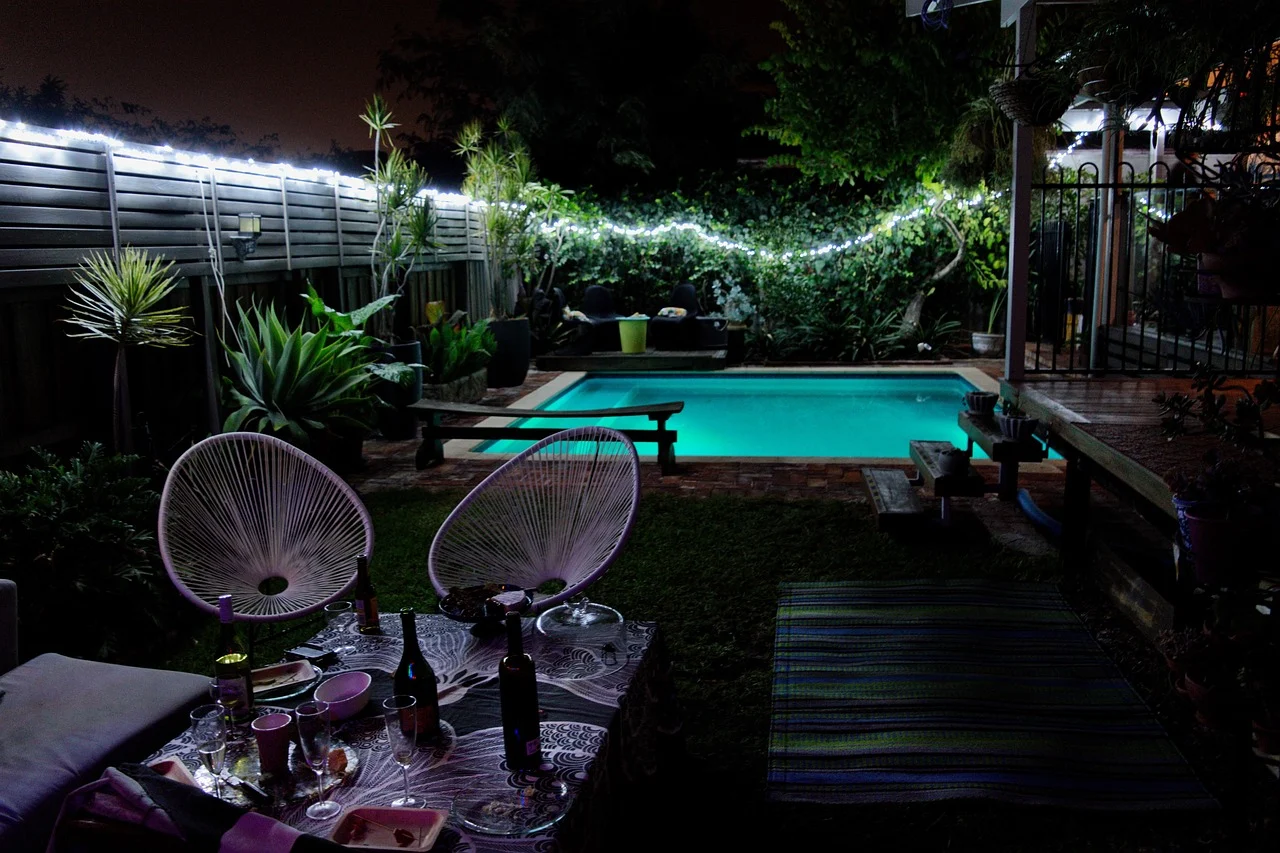
Short answer: pick a spot with a dark backdrop, set up and stake a screen, place the projector at the right distance and height, run power with an outdoor-rated extension cord or use a battery projector, add a speaker near the screen, and wait until it is fully dark to start. A short trial run before guests arrive saves most problems.
Safety note: use outdoor-rated extension cords and keep connections off wet grass. Stake screens securely in wind. Most projectors are not weather resistant, so cover or bring them in if it rains or dew forms, and never look into the projector lens.
1. Choose the location
- Face the screen away from streetlights, porch lights, and the last of the sunset.
- Pick level ground for the screen and seating.
- Leave enough distance between the projector and screen for your projector’s throw ratio and the image size you want.
2. Set up the screen
A proper outdoor screen gives a brighter, smoother image than a wall or sheet. Assemble it on level ground, use every stake and tie-down included, and angle it slightly toward the audience. Compare options in our outdoor projector screen guide.
3. Place the projector
- Set it on a stable table or stand, roughly level with the center of the screen.
- Adjust distance or zoom until the image fills the screen.
- Use lens shift if available; otherwise keep keystone correction to a minimum.
- Focus on fine text such as a menu.
4. Plan power
Plug-in projectors need an outdoor-rated extension cord, routed where people will not trip. Battery projectors avoid cords, but runtime is usually rated in an Eco mode; see our battery projector guide. A portable power station is another option for brighter plug-in models.
5. Add sound
Built-in projector speakers rarely carry outdoors. Place a Bluetooth or wired speaker near the screen so the sound comes from the picture. Check for audio delay with Bluetooth and adjust sync if your projector allows it. Our projector speaker guide covers options.
6. Pick the right brightness and timing
Brighter projectors let you start earlier and use a larger screen. Battery projectors rated at a few hundred lumens work best on smaller screens after full dark. Our outdoor projector guide compares brightness ratings.
7. Check everything, then pack up
- Play a short clip at dusk to check focus, sound, and framing.
- Have a backup source, such as a downloaded movie, in case Wi-Fi is weak outdoors.
- After the movie, let the projector cool, then bring it and the screen inside before dew forms.
FAQ
How many lumens do I need outdoors?
It depends on screen size and darkness. Small screens after full dark can work with a few hundred lumens; larger screens or earlier starts benefit from around 1,000 ANSI lumens or more.
Can I project onto the side of my house?
Yes, if the wall is smooth and light-colored, but texture and color will affect the image. A screen gives better results.
How do I stream outdoors?
Use a smart projector or streaming stick on Wi-Fi, or download content in advance if your signal is weak in the yard.
About the author
Brandon Russell writes projector reviews and buying guides for ProjectorChannel. He compares projectors, screens, and accessories using manufacturer specifications and documentation, and focuses on the trade-offs that matter in a real room.